Red Light Therapy Mat User Guide | How to Use, Settings & Protocol
Online User Manual
Red Light Therapy Pad Guide
Learn how to use, charge, clean, and care for your Morfone Red Light Therapy Pad safely.
Morfone
Product NameRed Light Therapy Pad
ModelFB-0029
Working Power8-16W
Battery Capacity10000mAh
Charging Voltage4-9V
Dimensions560 x 370mm
Product Function
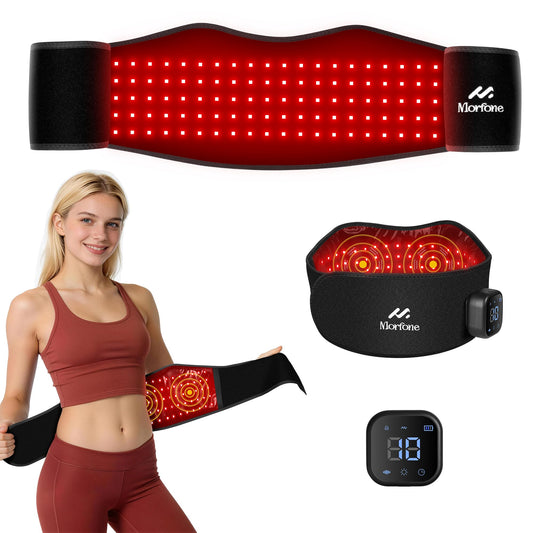
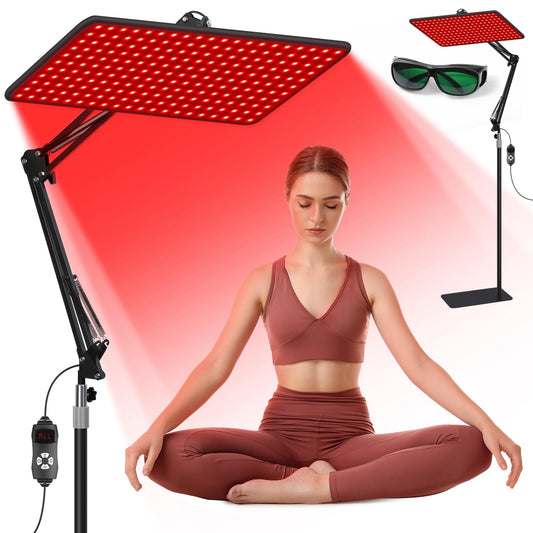
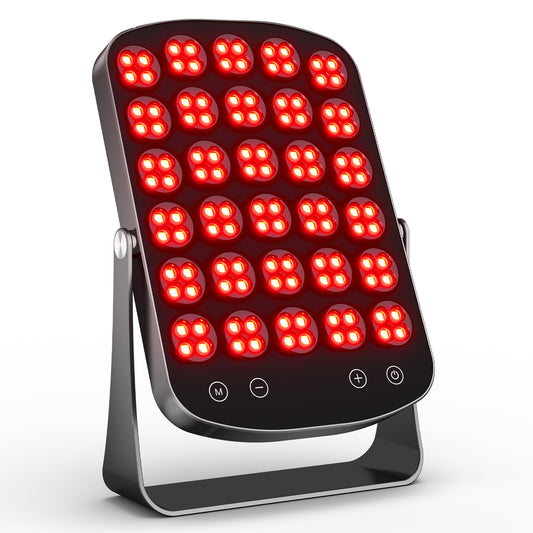
The Portable Red Light Pad emits 660nm red light and 850nm near-infrared light.
It is designed to support skin health, promote blood circulation, and help relieve
muscle and joint discomfort.
660nm + 850nm red light therapy
Multiple temperature levels
10, 20, or 30-minute timer options
Extension strap for other body areas
How To Use
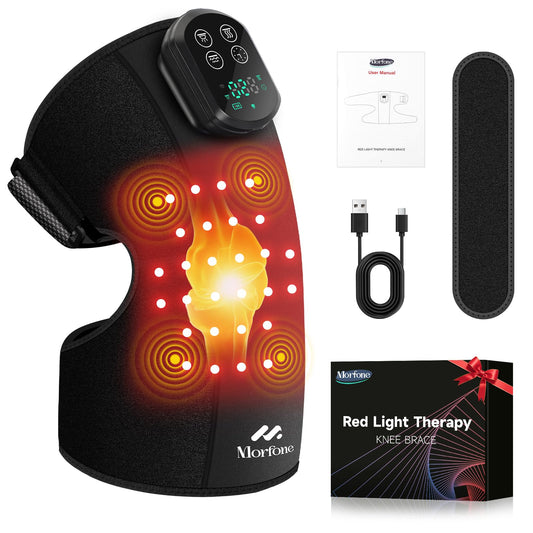
Place the pad on the target area, such as back, shoulder, knee, or waist.
Press the power button to turn the device on or off.
Select the desired power level and timer setting.
Use for no more than 30 minutes per day for optimal results.
Product Components
Type-C PortPower ButtonTime Set ButtonExtension Belt
Charging Guide
Connect the cable to the device port.
Plug the adapter into a power outlet.
The indicator flashes while charging.
The indicator stays on when charging is complete.
Always power off before charging.
Do not use the device while charging.
Do Not Use If You Have
Implanted electronic medical devices, especially pacemakers
Open wounds, skin lesions, acute inflammation, or fever
Malignant tumors, heart conditions, or osteoporosis
Recent pregnancy, postpartum condition, or diabetes-related sensory impairment
Usage Precautions
Start gradually to avoid excessive heat.
Use over clothing or directly on skin.
Stop use immediately if discomfort occurs.
Consult a healthcare provider if you are under medical treatment.
A slight odor is normal for new materials. Air the pad for 2-3 days before first use.
Cleaning & Maintenance
Always unplug before cleaning.
Keep the control unit dry at all times.
Use a soft cloth for the display screen.
Spot clean only. Do not machine wash.
Use alcohol for sanitizing if needed.
Do not use detergents, direct water, thinners, or gasoline.
Storage & Safety
Store in a cool, dry place away from direct sunlight or moisture.
Keep device and packaging materials away from children.
Do not disassemble, modify, submerge in water, expose to fire, or bend cables forcefully.
Improper handling may result in burns, electric shock, or injury.
Troubleshooting Guide
Device will not start
Remove from power outlet and realign the magnetic connector. If the battery is depleted, charge the device fully.
Charging light is not illuminating
Properly insert the USB charging cable into the power socket.
Device only works for a few minutes after charging
The battery may have reached end of life, approximately 5 years. Contact an authorized dealer. Do not replace the battery yourself.
Device is not heating
Use the device within the recommended temperature range: 32°F to 104°F.
Device stops during operation
Charge the device when the battery is low. If the timer has ended, restart the device to continue use.